




DocuWare Cloud version 7.15 is currently rolling out to customers, and users may begin noticing a few changes the next time they log in.
The good news is that your existing DocuWare system, documents, workflows, file cabinets, and permissions are still there. Version 7.15 introduces a new login experience along with access to the redesigned DocuWare interface and new AI capabilities.
Here’s a quick look at what to expect.
A New DocuWare Login Screen
One of the first changes you may notice after your system is updated to 7.15 is a redesigned login screen.
This new login experience is being applied automatically to DocuWare Cloud environments and uses the same design language as the new DocuWare Client. The updated design also applies to screens for password recovery, password changes, and two-step verification.
There is nothing users need to configure simply because the login screen looks different.
You Can Try the New DocuWare Interface
Version 7.15 also gives DocuWare Cloud users access to the new DocuWare Client.
For Miken clients continuing to use the familiar classic interface, you may see an “Open new DocuWare” option near the top of the screen. Selecting it allows you to explore the redesigned interface without moving your documents into another system or changing your existing file cabinets and workflows.
The classic and new interfaces work with the same DocuWare environment, so changes made in one are reflected in the other. Users can also switch back to classic DocuWare while both interfaces remain available.
This makes it easy to explore the new experience at your own pace rather than having to learn an entirely different system overnight.
Meet DocuWare Aura, the New AI Assistant
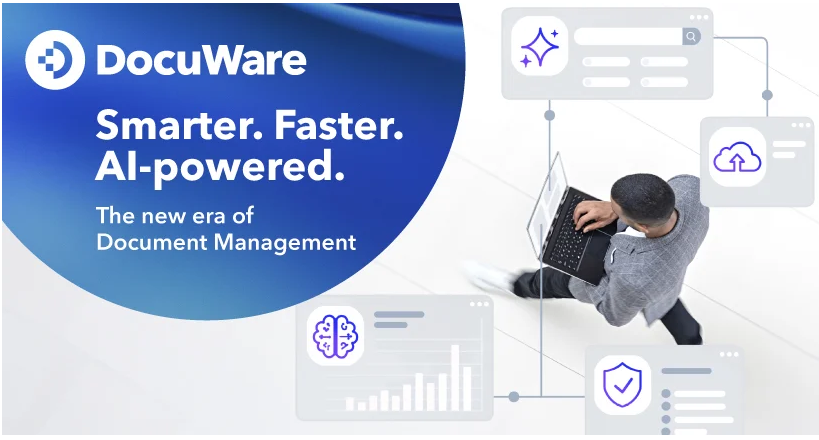
One of the most interesting additions to the new DocuWare experience is DocuWare Aura, an AI-powered assistant that allows users to interact with documents using natural-language questions.
Instead of relying only on traditional search fields and index values, Aura can help users ask questions about the information contained in their documents.
For example, depending on the documents available to you, you could ask Aura to summarize a document, identify information contained in an invoice or contract, or compare information across a group of documents.
Aura provides its answers based on documents stored in DocuWare and identifies which documents were used to generate the response so users can review the original information. Existing DocuWare permissions continue to apply.
DocuWare Aura is available through the new DocuWare Client, and some capabilities depend on how Aura has been configured for your organization.
Important Information for Single Sign-On Users
There is one technical change in version 7.15 that DocuWare Cloud administrators should be particularly aware of.
If your organization uses Single Sign-On (SSO) to access DocuWare, version 7.15 introduces a new Identity Service and requires an additional callback URL to be added to your identity provider.
This configuration should be completed before the organization is upgraded to 7.15. Without the new callback URL, users may no longer be able to log in through Single Sign-On after the upgrade.
The existing 7.14 callback URL should remain in place while the new 7.15 callback URL is added.
If Miken manages your DocuWare environment and you are unsure whether your organization uses SSO, contact us and we can help review your configuration.
Do I Need to Do Anything?
For most DocuWare users, no immediate action is required.
After your Cloud system is upgraded, you can continue working in DocuWare as you normally do. You may notice the new login screen, and you can begin exploring the new DocuWare interface whenever you’re ready.
As the new interface continues to evolve, DocuWare is keeping the classic and new clients available side by side. Some functionality is still being added to the new experience, so users can move between the two as needed.
Want to See What’s New?
If your organization has recently been upgraded to DocuWare 7.15, or your upgrade is coming soon, Miken Technologies can help you understand the changes and take a look at the new interface and AI capabilities.
We’re also hosting a free live webinar on practical ways businesses can use AI and DocuWare Intelligent Document Processing to reduce manual document work and data entry.
Upcoming sessions:
Thursday, October 29: 10:00 AM or 2:00 PM Central Time
Wednesday, November 4: 10:00 AM or 2:00 PM Central Time
Register here:
https://www.miken.net/miken-ai/
Have questions about your DocuWare 7.15 upgrade? Contact Miken Technologies and we’ll be happy to help!
Check out DocuWare’s official 7.15 release page here: https://start.docuware.com/blog/product-news/a-new-era-in-document-management-with-docuware