





We’ve worked with a lot of small and mid-sized businesses over the years, and HR almost always starts the same way.
A new hire accepts the offer. HR sends over a packet of PDFs. The employee prints, signs, scans, and emails things back. Something is missing. A field was skipped. A signature was forgotten. Another email goes out.
Then someone saves the documents to a shared drive. Someone else retypes the same information into payroll. Direct deposit details get copied and pasted. Policy acknowledgments get tracked in a spreadsheet.
It works. Most of the time.
But it’s more manual than it needs to be, and the friction adds up.
Where Things Start to Break Down
For growing companies, HR responsibilities expand quickly. More employees means more paperwork, more tracking, and more chances for something to slip through the cracks.
A few common patterns we see:
-
New hire documents coming back incomplete
-
PTO requests buried in email threads
-
Policy acknowledgments tracked manually
-
Offboarding checklists handled informally
-
Sensitive data saved in multiple locations
None of this happens because someone designed it poorly. It usually evolves over time. One process at a time. One workaround at a time.
Eventually HR ends up juggling email, PDFs, shared folders, and spreadsheets just to stay organized.
That’s when it starts to feel harder than it should.
Fillable PDFs Are Not a System
A fillable PDF feels digital, but it doesn’t create structure.
Someone still has to check if every required field was completed. Someone still has to decide where the file lives. Someone still has to forward it to the right person.
Structured web-based forms change that dynamic.
Instead of sending attachments back and forth, employees submit information through a secure form that:
-
Requires key fields before submission
-
Validates basic information formats
-
Uploads supporting documents in one place
-
Automatically routes the submission where it needs to go
That alone removes a surprising amount of back-and-forth.
Common HR Processes That Benefit from Structured Forms
In smaller organizations, HR often covers more than just onboarding. Structured forms can help bring consistency to everyday tasks like:
New hire intake
Collect personal details, tax elections, direct deposit information, emergency contacts, and signed acknowledgments in one guided submission.
Policy acknowledgments
Track who has reviewed and signed updated policies without chasing confirmations.
PTO requests
Standardize requests so managers can approve quickly and HR has clear visibility.
Role changes and compensation updates
Create a documented workflow instead of informal email approvals.
Offboarding checklists
Ensure equipment return, account access removal, and final documentation are handled consistently.
The goal is not to complicate HR. It is to reduce the number of moving parts.
What Happens After Someone Clicks Submit
This is where the real organization happens.
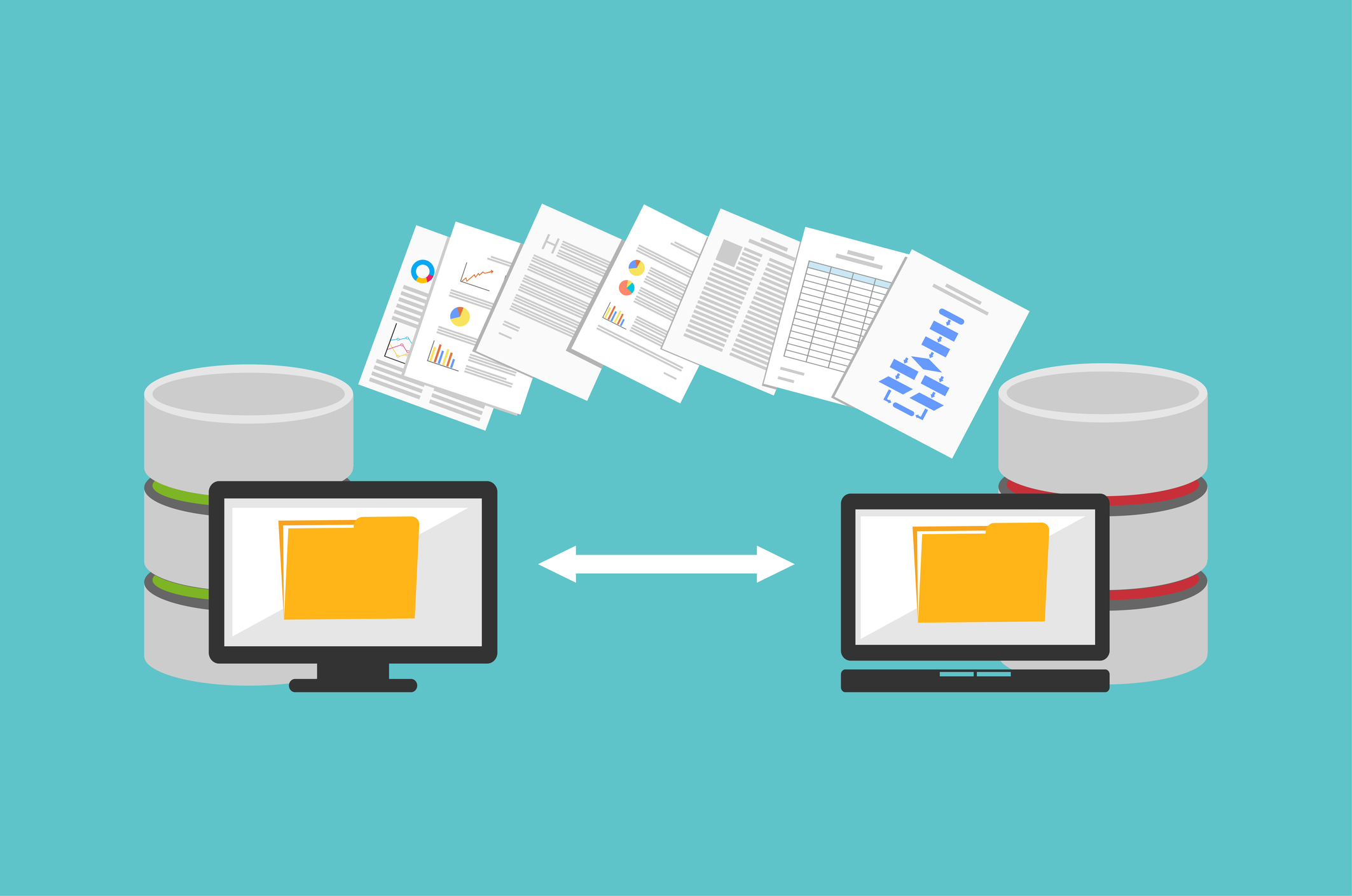
When forms connect to a proper document workflow system, submissions can:
-
Be stored automatically in a centralized HR file
-
Be indexed so they are easy to find later
-
Route to the appropriate manager or HR staff member
-
Track completion and approval status
-
Create a clear audit trail
Now HR can see what is complete, what is pending, and what still needs attention without digging through inboxes.
That visibility alone makes day-to-day work feel calmer.
A Quick Word About Sensitive Data
Even when efficiency is the main goal, security matters. HR teams handle Social Security numbers, bank account details, salary information, and other sensitive records.
In many small businesses, those details live in email attachments or shared folders that more people can access than intended.
With the right system in place, access can be controlled by role. Not everyone needs to see every field. For example, Social Security numbers can be restricted so only authorized HR users can view them. Access history can also be tracked, so you know who opened what and when.
That level of control is difficult to achieve with inboxes and shared drives.
Bringing It All Together
Platforms like DocuWare allow HR teams to build secure, structured forms that connect directly to controlled document storage and workflow. For small and mid-sized businesses, that often means replacing a patchwork of emails and folders with a more organized, consistent process.
You do not need a large HR department to benefit from this. In fact, smaller teams often see the biggest improvement because they are already stretched thin.
If your HR processes still rely heavily on email attachments and manual tracking, it may be worth seeing how structured forms and workflow could simplify the way you operate.
If you would like to see what this looks like in a real environment, we would be happy to walk you through it.